
Next Generation Security Visualization
Scribe3D
Built on modern game engine technology, Scribe3D is a physical protection system development and analysis tool that allows users to play out attack and defense scenarios using a variety of high-fidelity facilities, props, personnel, weapons, and vehicles. Developed by Sandia National Laboratories, Scribe3D can be used to create tabletop exercises simulating theft, sabotage, or natural disasters that help visualize attack and response action in real time and convey realistic and actionable consequences.
What Scribe3D Can Help You Do
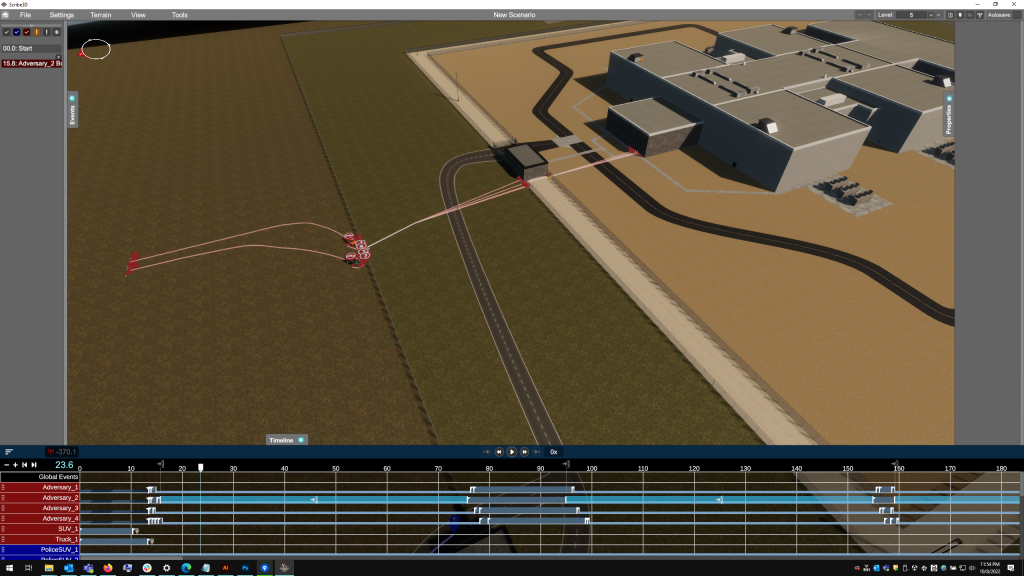
Evaluate security system effectiveness
- Develop engaging tabletop exercises that provide science-based, actionable results.
- Create realistic scenarios by adding more than 100 3D props, equipment, and personnel.
- Compute Probability of Neutralization (PN) using Probability of Hit/ Probability of Kill (PH/PK) data.
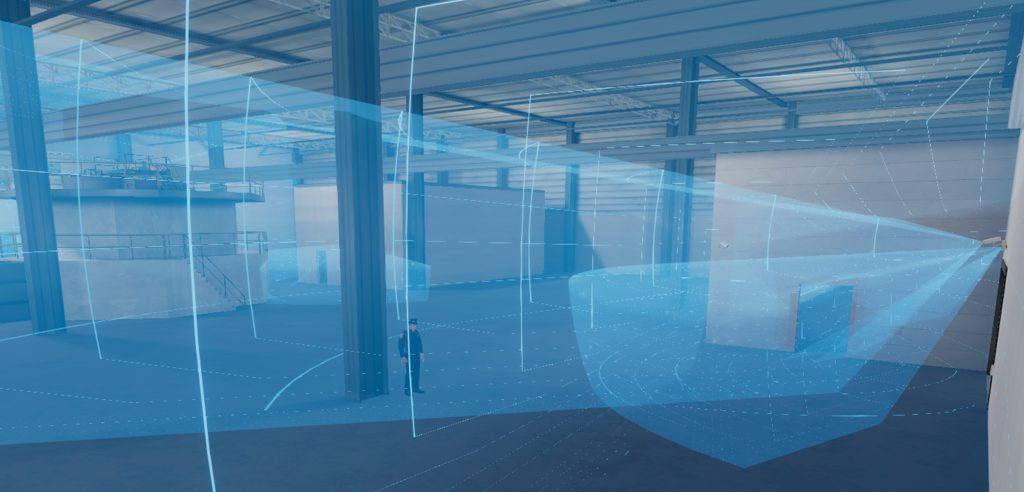
Identify and justify upgrades
- Easily add, move, or replace security personnel or technologies for increased effectiveness.
- Suggest or justify facility upgrades before purchasing any components.

Develop training and more
- Develop scenarios to test response force and emergency management tactics and procedures.
- Create videos and record results from tabletop scenarios to develop consistent staff and responder training.
- Conduct virtual facility tours for regulatory, emergency, and off-site responders.
Creating 3D Facility Models
The more accurate the model, the more useful the data received from tabletop exercises and technology testing. Sandia National Laboratories offers approved partners expert modeling assistance to build facility models on a case-by-case basis.
Scribe3D Hypothetical Model Library
Use a hypothetical facility from our library of pre-created facilities and terrains to develop training and test technologies.
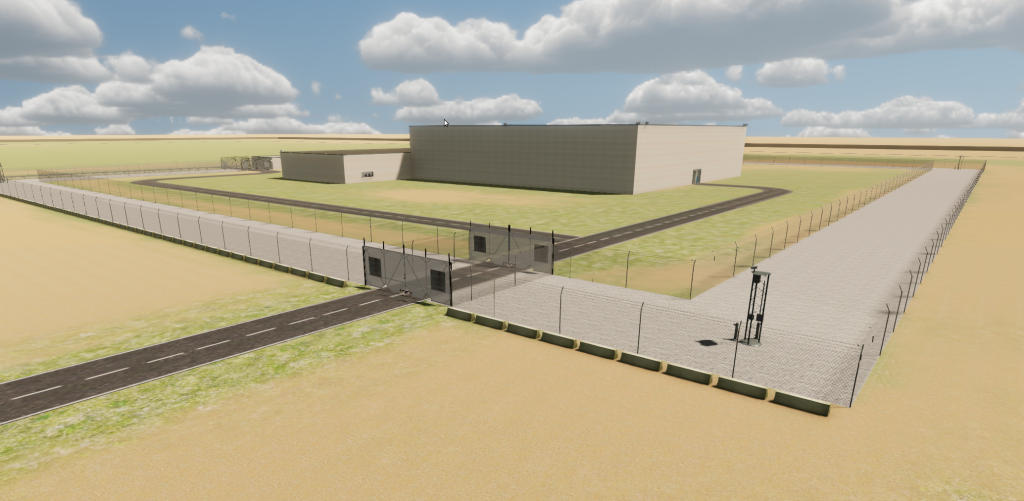
Lagassi Institute of Medicine & Physics
- Category: CAT I.
- Pool type reactor, light water moderated, using highly enriched uranium (HEU) fuel.
- Includes a nuclear fuel waste storage facility.
- Located in a remote setting.

Material Test Reactor Facility
- Category: CAT II.
- Multi-purpose, open-pool type, light-water-moderated reactor using 19.75% U-235 enriched fuel.
- Research institute connected to university, located in an urban setting.
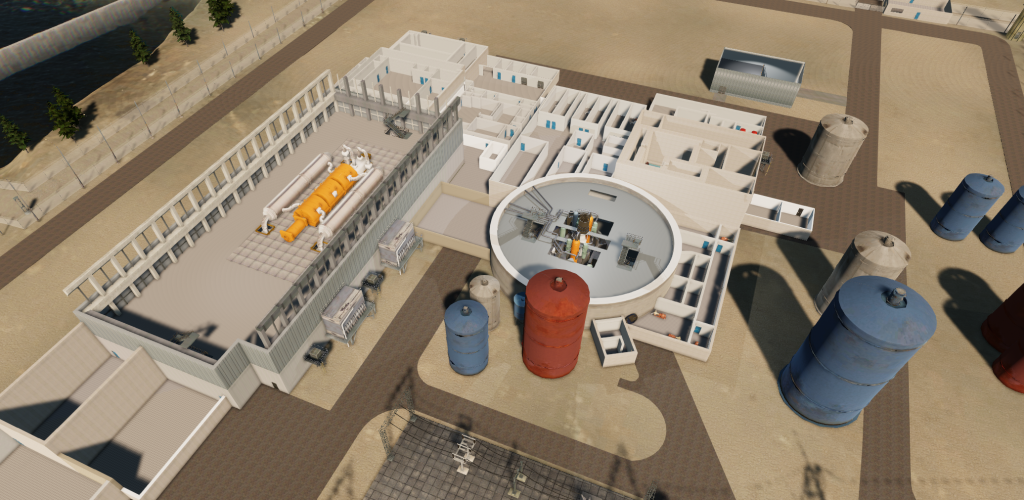
Lone Pine Nuclear Power Plant
- Category: High Radiological Consequence (HRC).
- Two-loop pressurized light water reactor (PWR).
- System consists of a reactor, a closed primary coolant loop connected to the reactor vessel, and a closed separate power conversion system (secondary coolant) for the generation of steam to power the turbine(s).
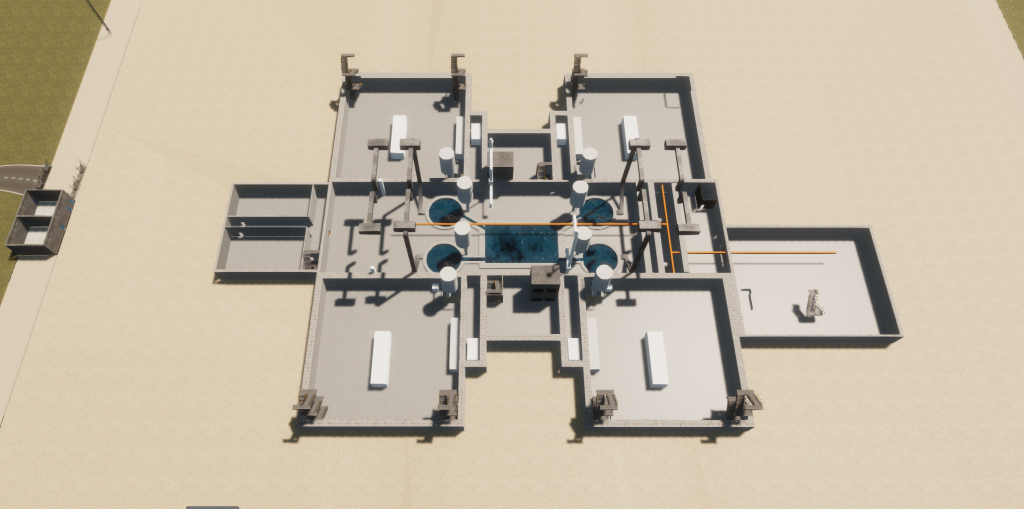
Small Modular Reactor Facility
- Category: High Radiological Consequence (HRC).
- Four integrated Pressurized Water Reactors (iPWR) using 5% U-235 enriched fuel.
- Each of the four reactors uses natural circulation to cool the reactor upon shutdown.

Micro Reactor
- A rural, multi-level facility housing a micro reactor.
- Accessed via a network of small roads leading to a mountainous environment.

Pebble Bed Reactor
- A facility with a reactor, multiple external buildings for staff, and an entry control point.

Transportation Terrain
- A small urban center with multiple roads, a commercial shipping port, and a railway system.
- The roadway system includes bridges and winding paths and the rail system cuts through a gorge with an overhead bridge, which are useful for planning attack/response exercises.
- The commercial shipping port facilitates amphibious attacks.
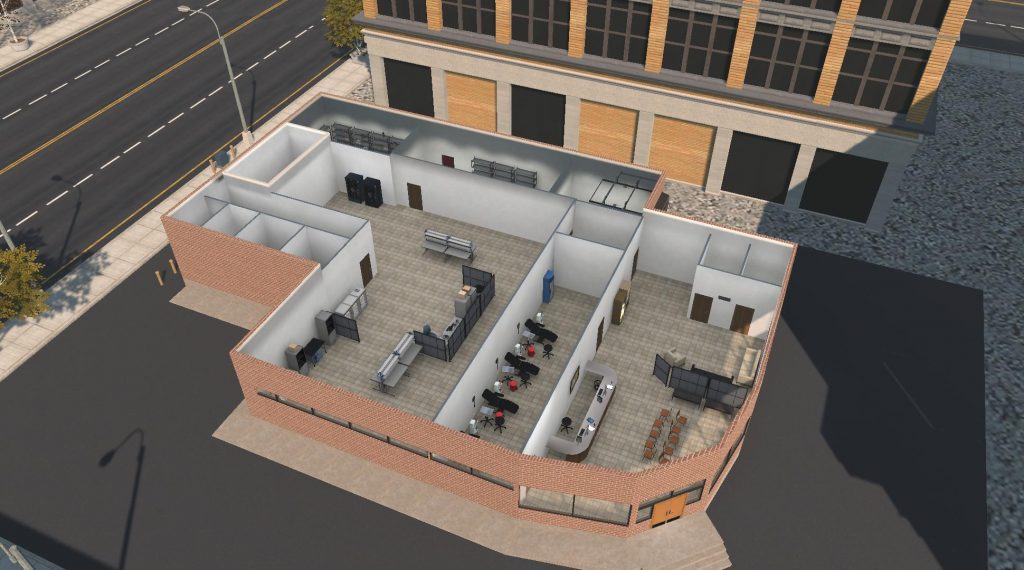
Blood Bank
- A single-story building with a front lobby that enables free public access and a blood collection area with limited public access.
- The blood lab, irradiator room, and storage areas are secure spaces with access controls.
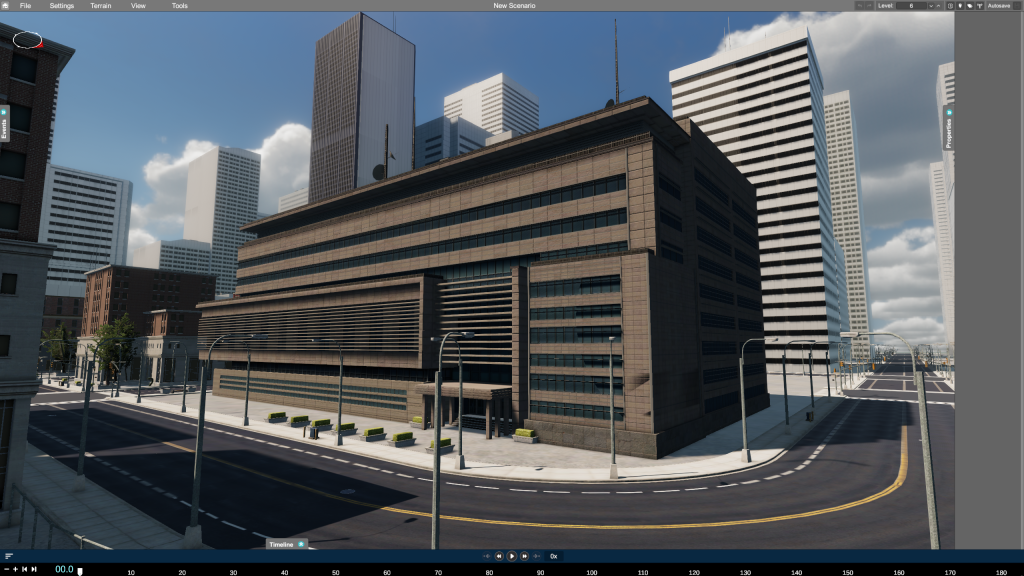
Hospital
- A multi-story building that includes labs, operating rooms, waiting areas, and offices.
- Houses a teletherapy gamma knife.
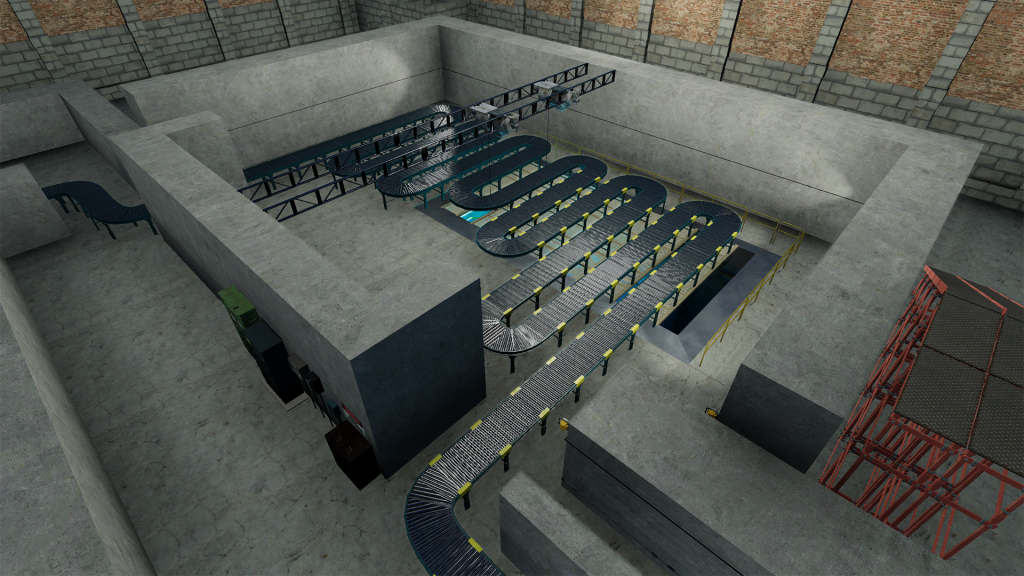
Panoramic Irradiator
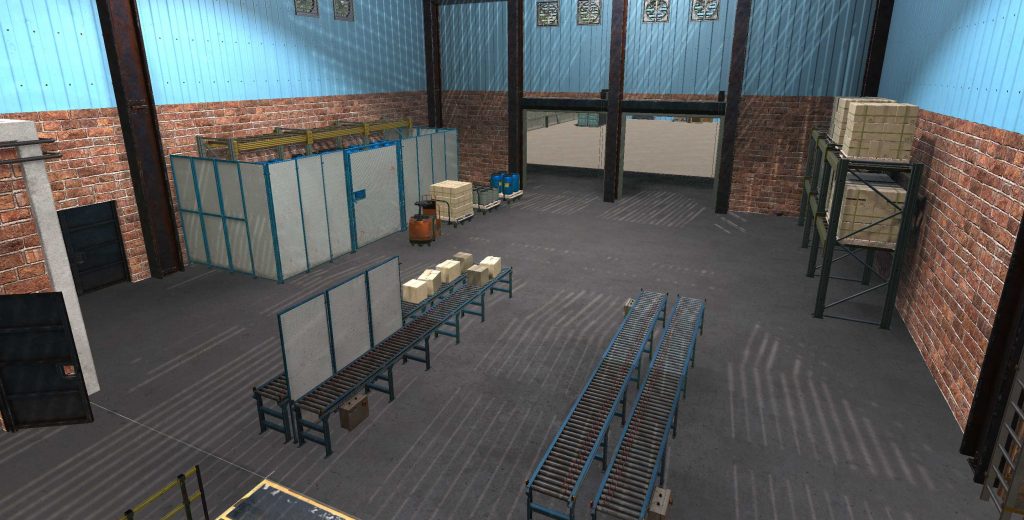
- Located in a warehouse in an industrial area on the outskirts of a town and near a municipal airport.
- The interior includes a conveyor belt, a control room, and a storage area.
Storage Facility
- A gated underground material processing facility that includes two buildings.
- Set in a remote, rural area.
Scribe3D Video Production
Use Scribe3D video capabilities to record exercises for review and discussion, or to create customized training videos.
System Requirements
Use of recommended settings will result in full use of Scribe3D’s visualization capabilities. The user settings menu allows adjustment of graphics quality, lighting, resolution, and windowed versus full-screen mode.
- Windows 10 64-bit
- Processor: Quad Core @ 3.6GHz or greater
- Memory: 16GB+
- Hard Drive 25 GB+
- Video: Discrete Graphics Card – NVIDIA GEForce GTX1060, AMD Radeon RX 580 or better with at least 4GB VRAM
- USB mouse required